

Victron Energy Networking and Communication

5 Meter (€3.03 / 1 Meter)
Content: 5 Meter (€3.03 / 1 Meter)
Shipped in 1-3 Days (Mo-Fri)
Shipped in 1-3 Days (Mo-Fri)
Shipped in 1-3 Days (Mo-Fri)
Shipped in 1-3 Days (Mo-Fri)

Shipped in 1-3 Days (Mo-Fri)
Shipped in 1-3 Days (Mo-Fri)
Shipped in 10-14 Werktage (Mo-Fr)
Shipped in 10-14 Werktage (Mo-Fr)

5 Meter (€11.13 / 1 Meter)
Content: 5 Meter (€11.13 / 1 Meter)
Shipped in 1-3 Days (Mo-Fri)
Shipped in 1-3 Days (Mo-Fri)

3 Meter (€20.23 / 1 Meter)
Content: 3 Meter (€20.23 / 1 Meter)
Shipped in 1-3 Days (Mo-Fri)
Shipped in 1-3 Days (Mo-Fri)

Shipped in 1-3 Days (Mo-Fri)
Shipped in 1-3 Days (Mo-Fri)

Shipped in 10-14 Werktage (Mo-Fr)
Shipped in 10-14 Werktage (Mo-Fr)

0.79 Meter (€42.25 / 1 Meter)
Content: 0.79 Meter (€42.25 / 1 Meter)
Shipped in 10-14 Werktage (Mo-Fr)
Shipped in 10-14 Werktage (Mo-Fr)

1.8 Meter (€8.43 / 1 Meter)
Content: 1.8 Meter (€8.43 / 1 Meter)
Shipped in 1-3 Days (Mo-Fri)
Shipped in 1-3 Days (Mo-Fri)

Soon available again
Soon available again
Soon available again
Soon available again

Soon available again
Soon available again

Product is expected to be back in stock on 9 November 2026
Product is expected to be back in stock on 9 November 2026

Shipped in 10-14 Werktage (Mo-Fr)
Shipped in 10-14 Werktage (Mo-Fr)

Which connection is for what?
Victron devices communicate via three connections. Which one you need depends on the device:
- VE.Direct: connects individual devices such as solar charge controllers, SmartShunt, or Phoenix inverters to a Cerbo GX.
- VE.Bus: Connects inverter-chargers such as the MultiPlus and Quattro to each other and to the Cerbo GX.
- VE.Can: Connects larger charge controllers, Lynx components, and lithium batteries with CAN-bus BMS to the GX device.
Cables for Batteries and BMS
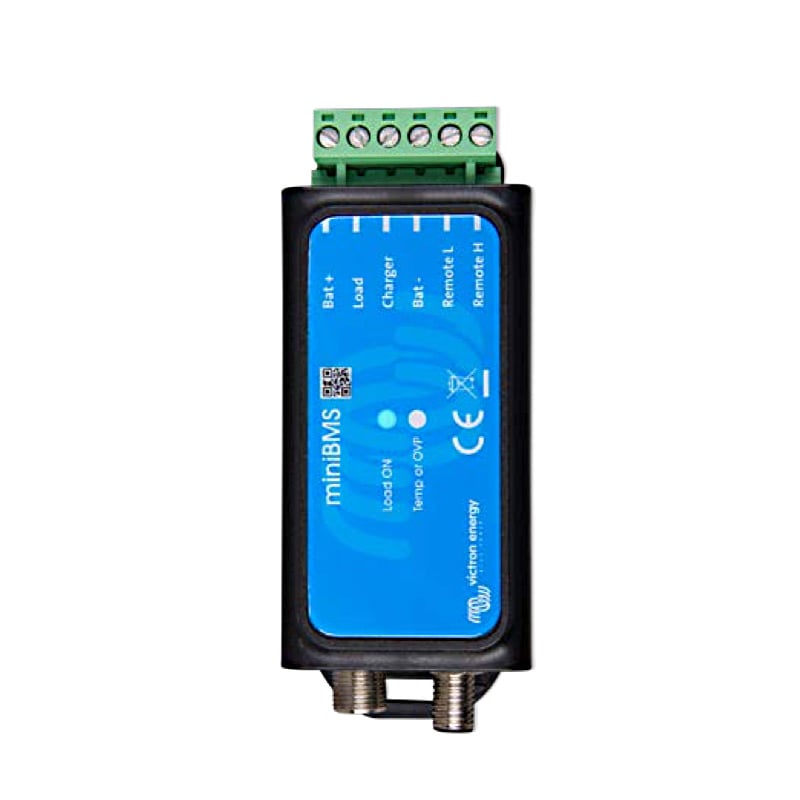
With the VE.Can-to-CAN-Bus-BMS cables (Type A and Type B), you can connect lithium batteries from other manufacturers to your Cerbo GX. Which type is suitable depends on your battery’s pinout. The VE.Bus BMS to BMS 12-200 cable connects two Victron BMS units to each other. You’ll also find the Victron MiniBMS here for smaller lithium systems.
VE.Direct Cables and VE.Bus Smart Dongle
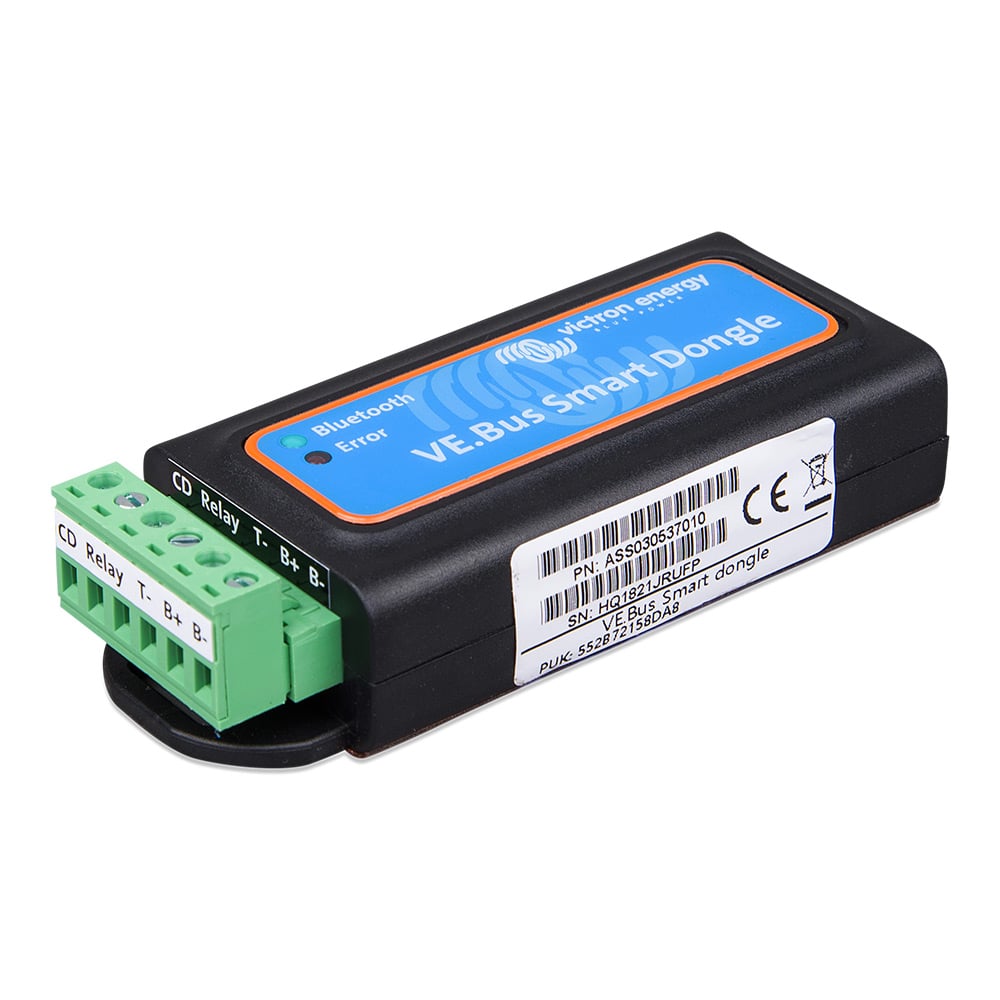
The angled VE.Direct cable is ideal when there’s limited space behind the device. You’ll find additional VE.Direct cables ranging from 0.3 to 10 m in the charge controller accessories section. The VE.Bus Smart Dongle makes your MultiPlus or Quattro visible in the VictronConnect app via Bluetooth.
Remote Connection via Mobile Network
If there’s no Wi-Fi at your location, the GX LTE 4G-E modem connects your Cerbo GX to the internet. You can then monitor your system remotely via the VRM portal. Compatible outdoor antennas for 2G, 3G, 4G, and LTE-M, as well as a GPS antenna for location tracking, are available in this category. You can find the Cerbo GX itself under Operation and System Monitoring.
FAQ – Frequently Asked Questions About Victron Networking
What cable do I need for my solar charge controller?
You connect Victron solar charge controllers to the Cerbo GX using a VE.Direct cable. Larger models with a VE.Can connection can also be integrated via VE.Can.
Type A or Type B—which BMS cable is right for my battery?
That depends on the manufacturer of your lithium battery. Victron’s compatibility lists specify which cable type is required for each battery. If you’re unsure, our team is here to help.
What do I need the VE.Bus Smart Dongle for?
The MultiPlus and Quattro do not have built-in Bluetooth. With the dongle, you can view their readings in the VictronConnect app on your smartphone.
How do I get my system online without Wi-Fi?
Using the GX LTE 4G-E modem and a SIM card, you can connect your Cerbo GX to the VRM portal via the cellular network.
Do I need an external antenna?
If cellular reception is weak at the installation site—such as in a basement, an electrical cabinet, or inside a steel hull—an external antenna will significantly improve the connection.
Can I use standard network cables for VE.Bus and VE.Can?
VE.Bus and VE.Can use RJ45 connectors. You can find compatible RJ45 UTP cables from Victron in the Victron Accessories section.